

How to Enable the Root User on a Linux Server
Enable the root user on a Linux server you access with a sudo user, and allow root login over SSH.
- Estimated Time
- 5 minutes
- Difficulty
- Intermediate
- Steps
- 5 steps
- Last Updated
On This Page
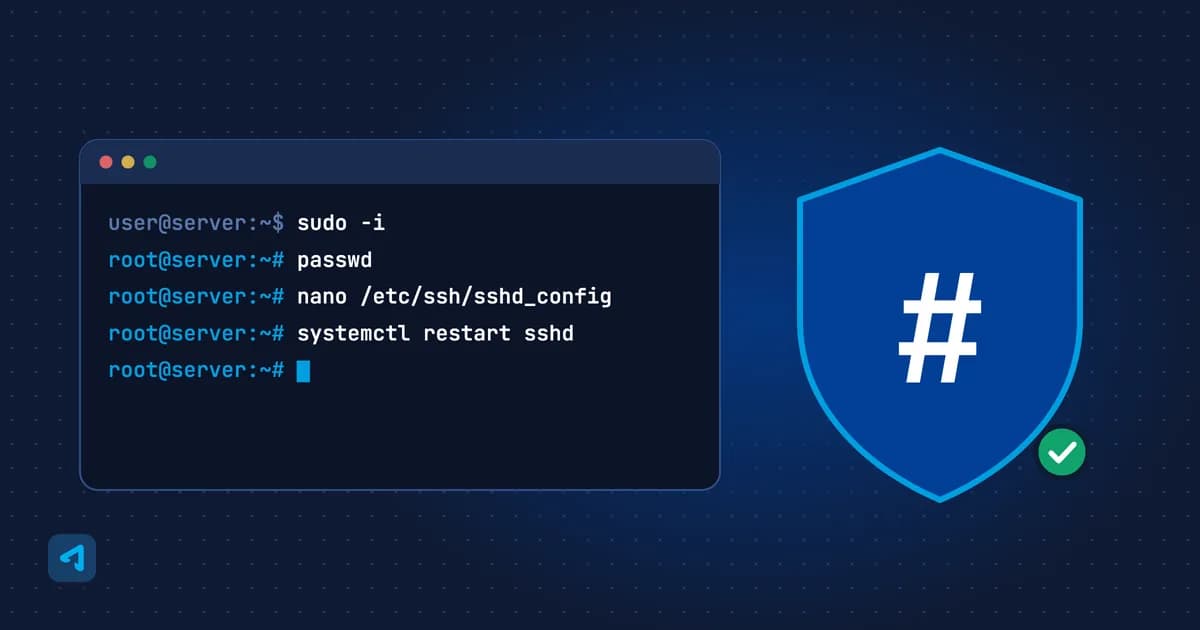
This guide explains how to enable the root user on your Linux server.
Requirements
- A server with a Linux operating system installed
- You are logged in over SSH with a user that has sudo privileges
Steps
0 of 5 steps done
Step 1: Log In with SSH
Connect to your server over SSH using the user details shown in your customer panel.
Step 2: Switch to Root
Once logged in, switch to root with this command:
bashsudo -iStep 3: Set a Root Password
The root user is disabled by default. Set a new root password:
bashpasswdYou will be asked to enter the password twice.
Step 4: Allow Remote Root Login
Remote root login over SSH is disabled. You can enable it by editing the
/etc/ssh/sshd_configfile. Change this line:CodePermitRootLogin without-passwordto:
CodePermitRootLogin yesStep 5: Restart the SSH Service
Restart the SSH service for the new setting to take effect:
bashsystemctl restart sshdOn some distributions the service is called
ssh; in that case usesystemctl restart ssh.
You have now enabled the root user on your Linux server.
Cloud VPS
Flexible virtual servers located in Türkiye
Starting Price
$4.99/mo
Frequently Asked Questions
Why is the root user disabled by default?
The root user is disabled by default and cannot log in remotely over SSH. To enable it, you first set a root password and then change the SSH setting.
Is it safe to enable root login?
Root login with a password increases the risk of attacks. Where possible, allow root login with an SSH key only and disable password login.