

How to Transfer Your Domain to ADVEYER
The requirements and steps for moving your domain from another provider to ADVEYER.
- Estimated Time
- 6 minutes
- Difficulty
- Easy
- Steps
- 5 steps
- Last Updated
On This Page
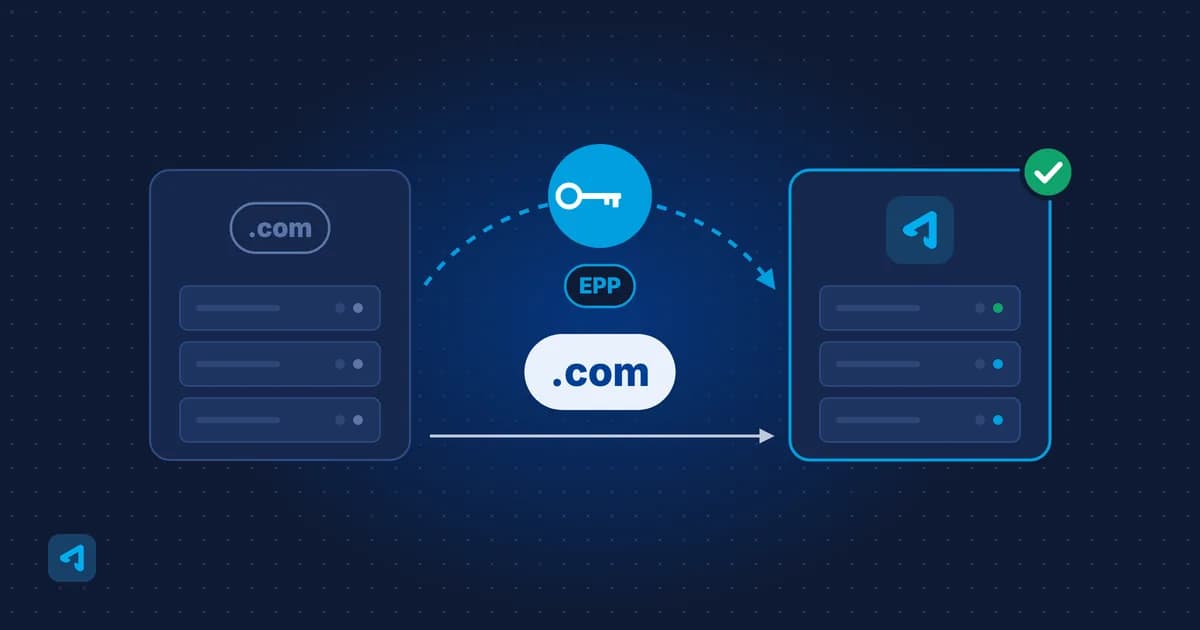
Moving your domain from another provider to ADVEYER takes just a few steps. First make sure your domain meets the transfer requirements, then place the order with your transfer code.
Transfer Requirements
To request a transfer, your domain must meet these requirements:
- The transfer lock must be removed.
- There must be more than 30 days left before the domain's expiry date.
- The domain must be active.
- The email address in the whois (contact) details must be active and accessible.
- There must be no outstanding debt to the provider the domain is registered with.
- At least 60 days must have passed since the domain was first registered or last transferred. A 60-day transfer lock may also apply if the registrant (domain owner) details have changed.
Transfer Steps
0 of 5 steps done
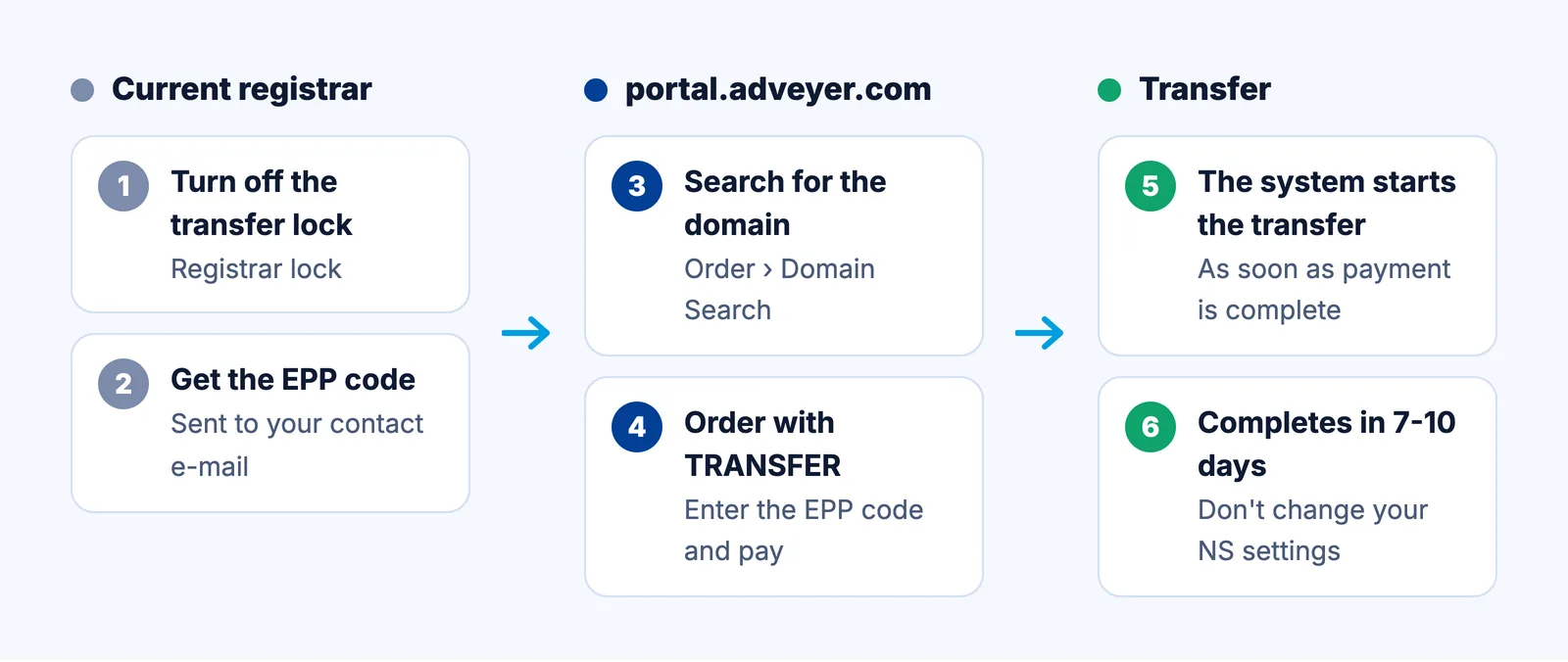
Step 1: Turn Off the Transfer Lock at Your Current Provider
Turn off the transfer lock (registrar lock) in the control panel of the provider your domain is registered with. Where this setting is located varies between providers.
Step 2: Get the Transfer Code (EPP)
Request the transfer code (EPP / Auth Code) from your current provider as well. The code is usually sent to the email address in the domain's contact details, so you need access to that address.
Step 3: Search for Your Domain
Log in to portal.adveyer.com with your account details. Open "Domain Search" from the "Order" menu, enter your domain name without the extension, select the extension and search.
Step 4: Place the Transfer Order
In the search results, click the "TRANSFER" button. Enter your transfer code in the "EPP Code" field and complete the payment. The transfer is started by the system as soon as the payment is complete.
Step 5: Wait for the Transfer to Complete
The transfer can take 7-10 days to complete. Keep an eye on your domain's contact email during this time.
Domain Names
.com, .com.tr and 800+ extensions
Starting Price
$2.05/yr
You can also see domain prices and transfer options on our Domain page.
Frequently Asked Questions
Can I transfer a domain that has less than 30 days left before expiry?
No. To request a transfer, there must be more than 30 days left before the domain's expiry date.
Where do I get the transfer code?
From the provider your domain is currently registered with. The code is usually sent to the email address in the domain's contact details.
How long does a transfer take?
The transfer starts once the payment is complete and can take 7-10 days to finish.
Can I transfer my domain after renewing it?
Yes. Renewing does not start a waiting period for transfers. The 60-day wait applies after the first registration, a previous transfer or a change of domain owner.