

How to Transfer Your Domain to Another Provider
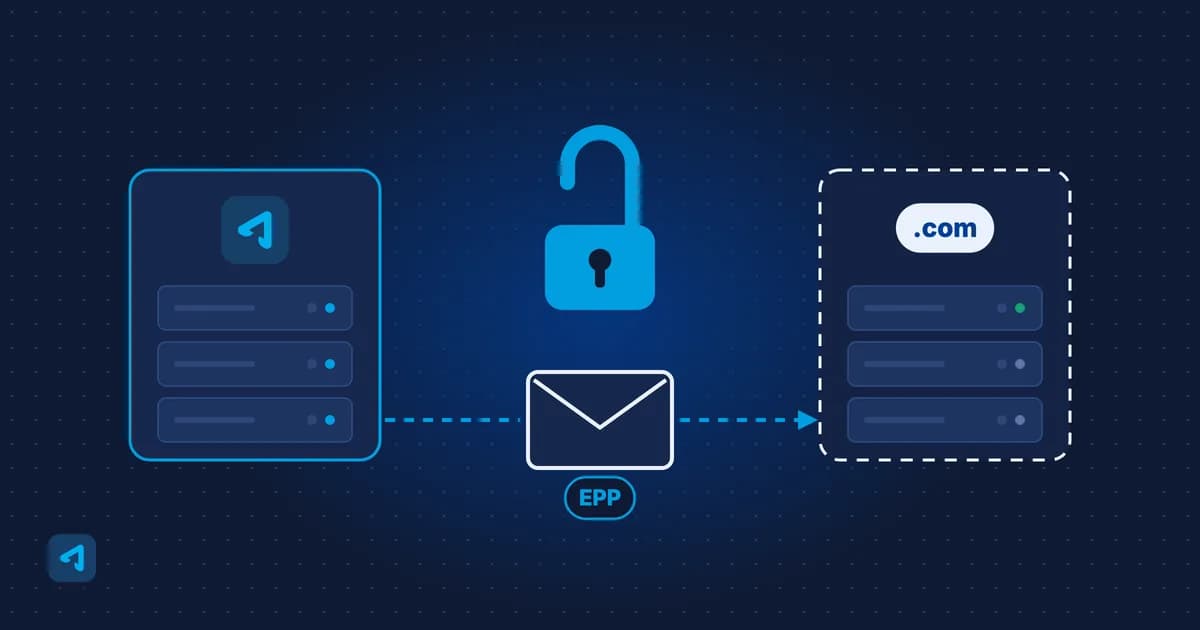
How to turn off the transfer lock and get your EPP code to move a domain from ADVEYER to another provider.
- Estimated Time
- 4 minutes
- Difficulty
- Easy
- Steps
- 3 steps
- Last Updated
On This Page
If you want to move your domain from ADVEYER to another provider, you can do most of the work yourself at portal.adveyer.com.
Before You Start
You need access to the email address listed in your domain's contact details. The transfer code is sent to this address. If you no longer use that address, update your contact details first.
Transfer Steps
0 of 3 steps done
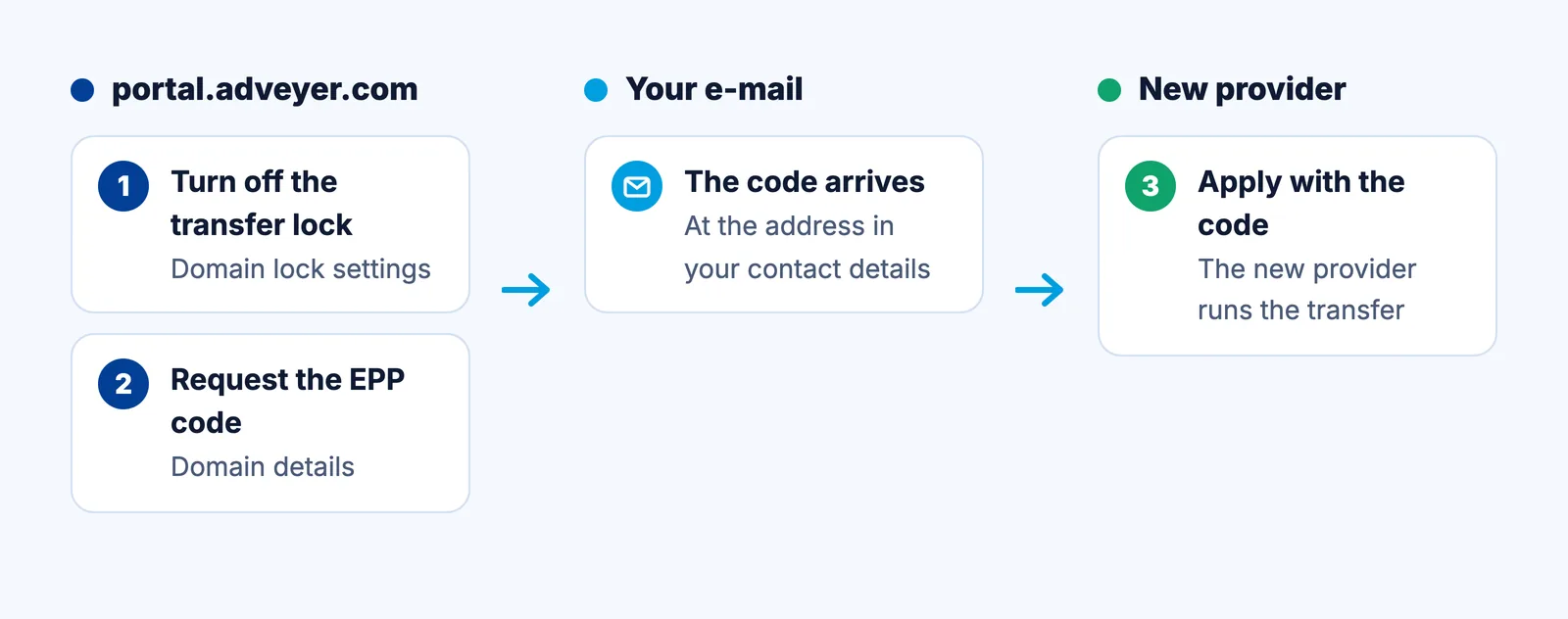
Step 1: Turn Off the Transfer Lock
In your control panel, go to "Services/Domains" and select the domain. In the "Registrar Lock" section, click "Domain Lock Settings" and switch "Registrar Lock" off.
Step 2: Request the Transfer Code (EPP)
On the same domain page, go to the "Domain details" section. Under "Authorization (EPP Code)", click the "Request Auth Info / Epp code" button. Your transfer code is sent to the email address in your contact details.
Step 3: Apply to the New Provider
Use the transfer code from your email to start the transfer with the provider you want to move to. The transfer is handled by that provider.
Frequently Asked Questions
Where is the transfer code sent?
To the email address in your domain's contact details. If you can't access that address, update your contact details first.
Can I transfer a domain while the transfer lock is on?
No. You first need to turn off the transfer lock in your control panel.
How do I move my .tr domain to another provider?
Request the authorization code (transfer code) from us and use it to apply to the new provider. The transfer runs through TRABIS and needs no documents.