

Pointing Your Domain to Your Hosting: Nameservers, Forwarding and Parking
Nameserver addresses for connecting your domain to ADVEYER hosting, plus options to forward or park your domain.
- Estimated Time
- 5 minutes
- Difficulty
- Easy
- Steps
- 2 steps
- Last Updated
On This Page
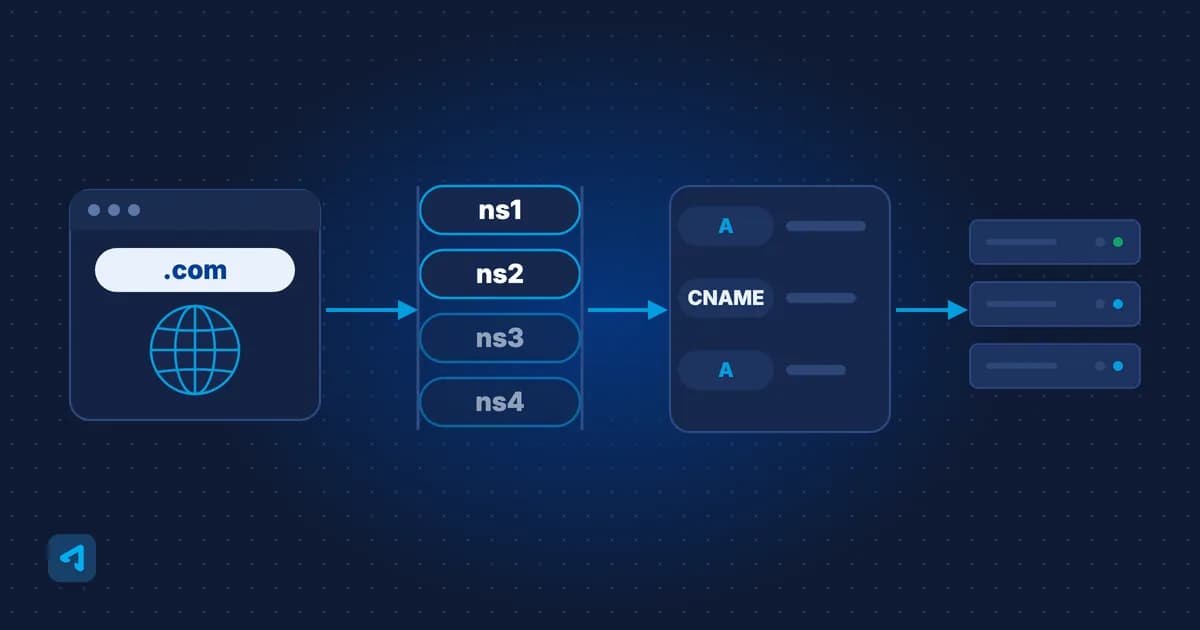
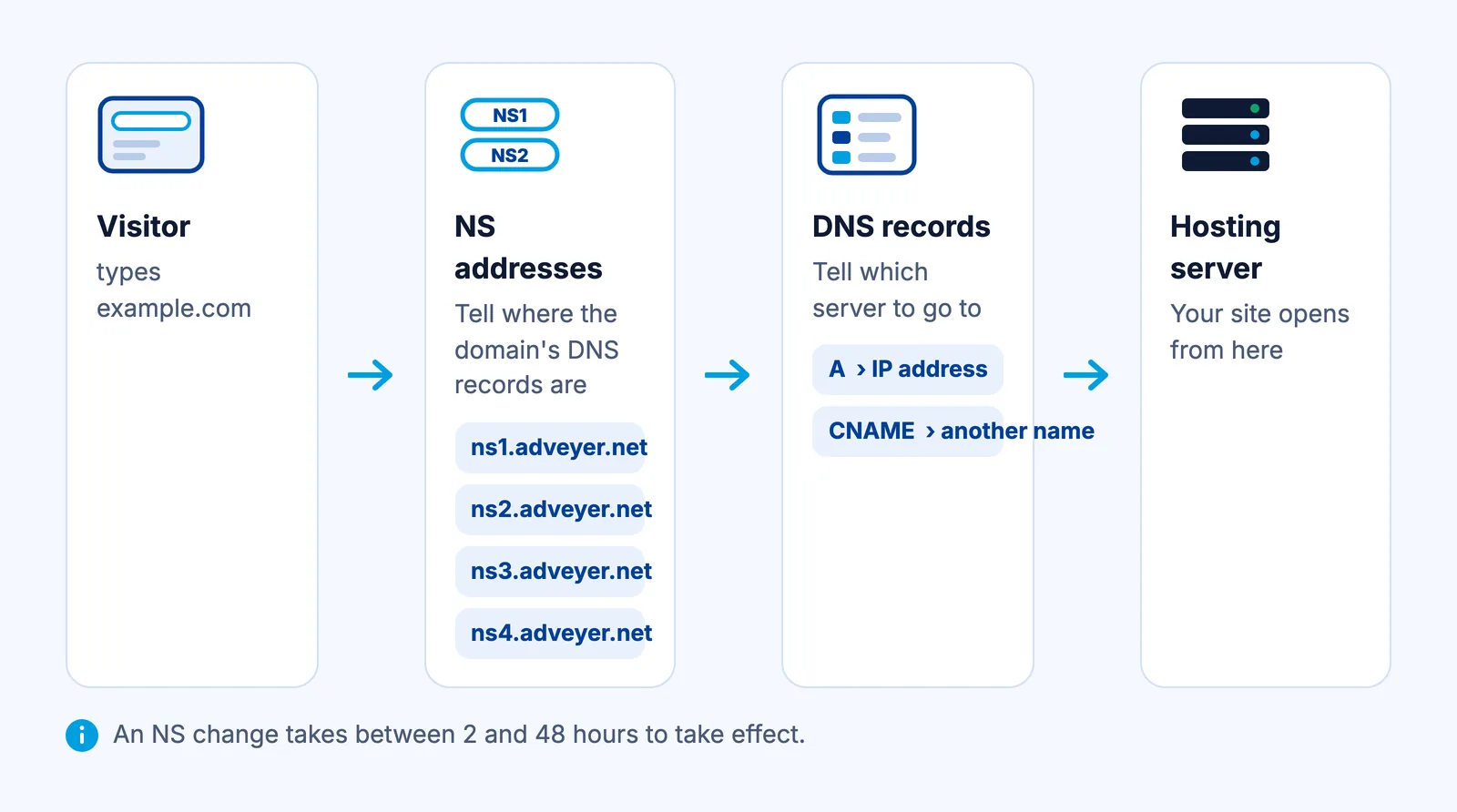
To put a website online, your domain needs to point to the server where your site is hosted. The most common way to do this is to update the domain's NS (name server) addresses.
ADVEYER Nameservers
| Nameserver | IP Address |
|---|---|
| ns1.adveyer.net | 46.245.160.13 |
| ns2.adveyer.net | 46.245.161.13 |
| ns3.adveyer.net | 185.33.131.133 |
| ns4.adveyer.net | 185.33.128.61 |
If Your Domain Is with Another Provider
If you registered your domain with a different provider, enter the nameservers above in the NS section of that provider's control panel, or send them to the provider you registered the domain with.
If Your Domain Is with ADVEYER
0 of 2 steps done
Step 1: Select Your Domain
At portal.adveyer.com, open the "Services/Domains" menu and select the domain.
Step 2: Update the Nameservers
In the "Register Nameservers" section, click "Manage Nameservers" and enter your nameservers. You can also do this from the "Manage Nameservers" section at the bottom of the domain page.
You can check whether the change has propagated with our DNS Lookup tool.
Forwarding Your Domain to Another Domain
If your domain's DNS is hosted at ADVEYER, it can be forwarded with an A or CNAME record:
- Get the required A and CNAME records from the provider of the server you want to point to.
- Send these records to us through the "Support" section of the control panel.
- Once the records are added, you can turn the forwarding into a URL redirect on the target server.
Parking Your Domain
If you are not going to use your domain yet, you can park it. Just send your request through the "Support" section of the control panel; our team will park it for you.
Web Hosting
NVMe Linux, WordPress, Windows and reseller hosting
Starting Price
$9.99/yr
Frequently Asked Questions
When does an NS change take effect?
It takes between 2 and 48 hours for the change to take effect.
Why can't I update my nameservers?
The transfer lock does not block nameserver updates, so you don't need to turn it off. If you still can't update them, contact us through the Support section of the control panel.
Can I park my domain?
Yes. Send your request through the Support section of the control panel and our team will park it for you.